Turn one supplier photo into a full photoshoot.
Dambl puts your product on a model, in a setting you pick, from the photo already on your Shopify listing. Keep the shots you like and push them to the product.
- Free plan, no card
- Adds photos, never replaces yours
- Billed through Shopify

Every store selling this hoodie posts the same photo.
Supplier and wholesale products arrive with one catalog photo, and every other shop selling them uses it too. Dambl shoots yours new, on a model and in a setting you choose, so your listing stops looking like theirs.
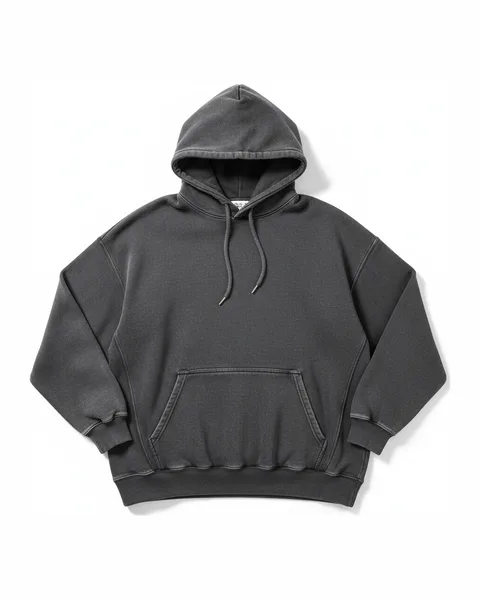
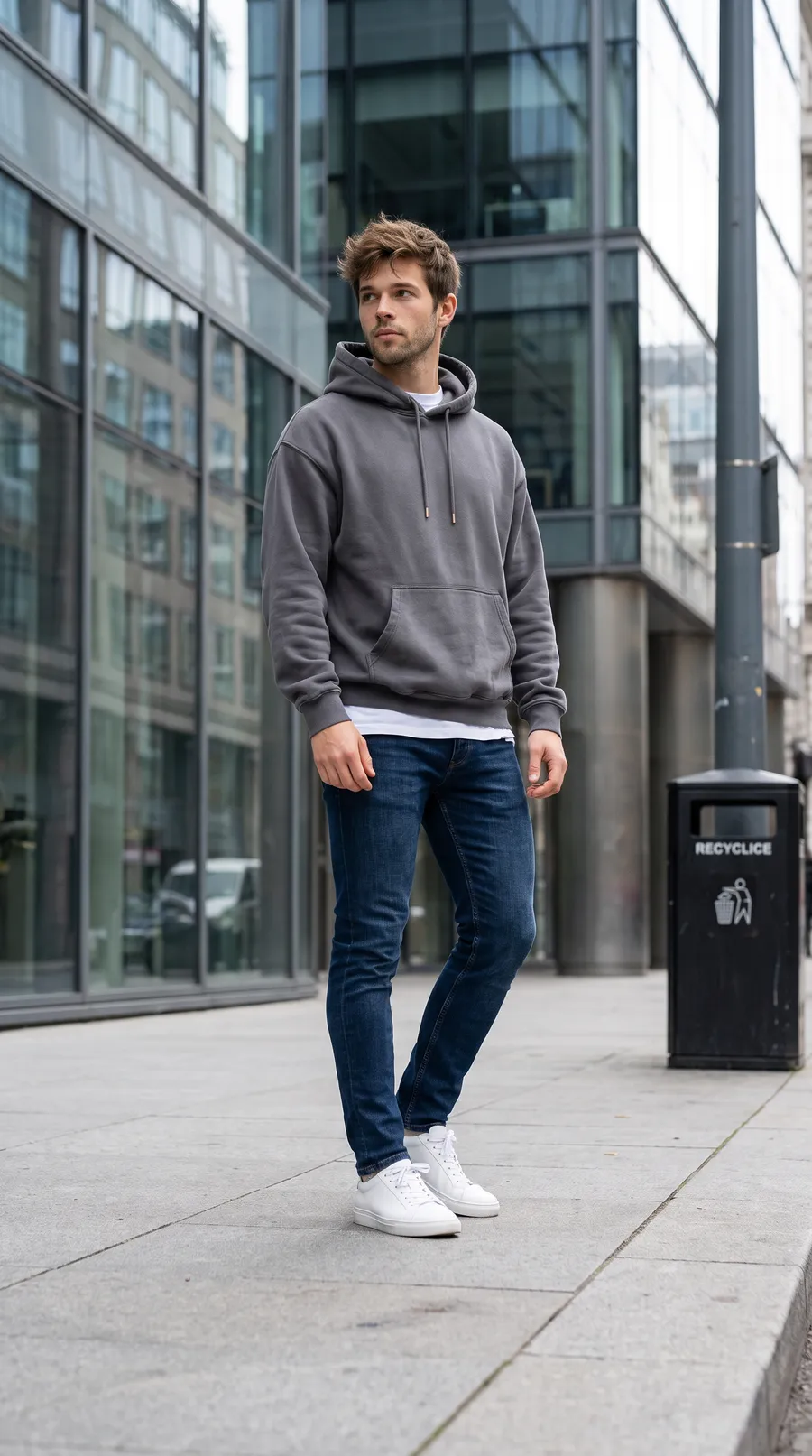
The catalog photo you have, and what Dambl made from it.
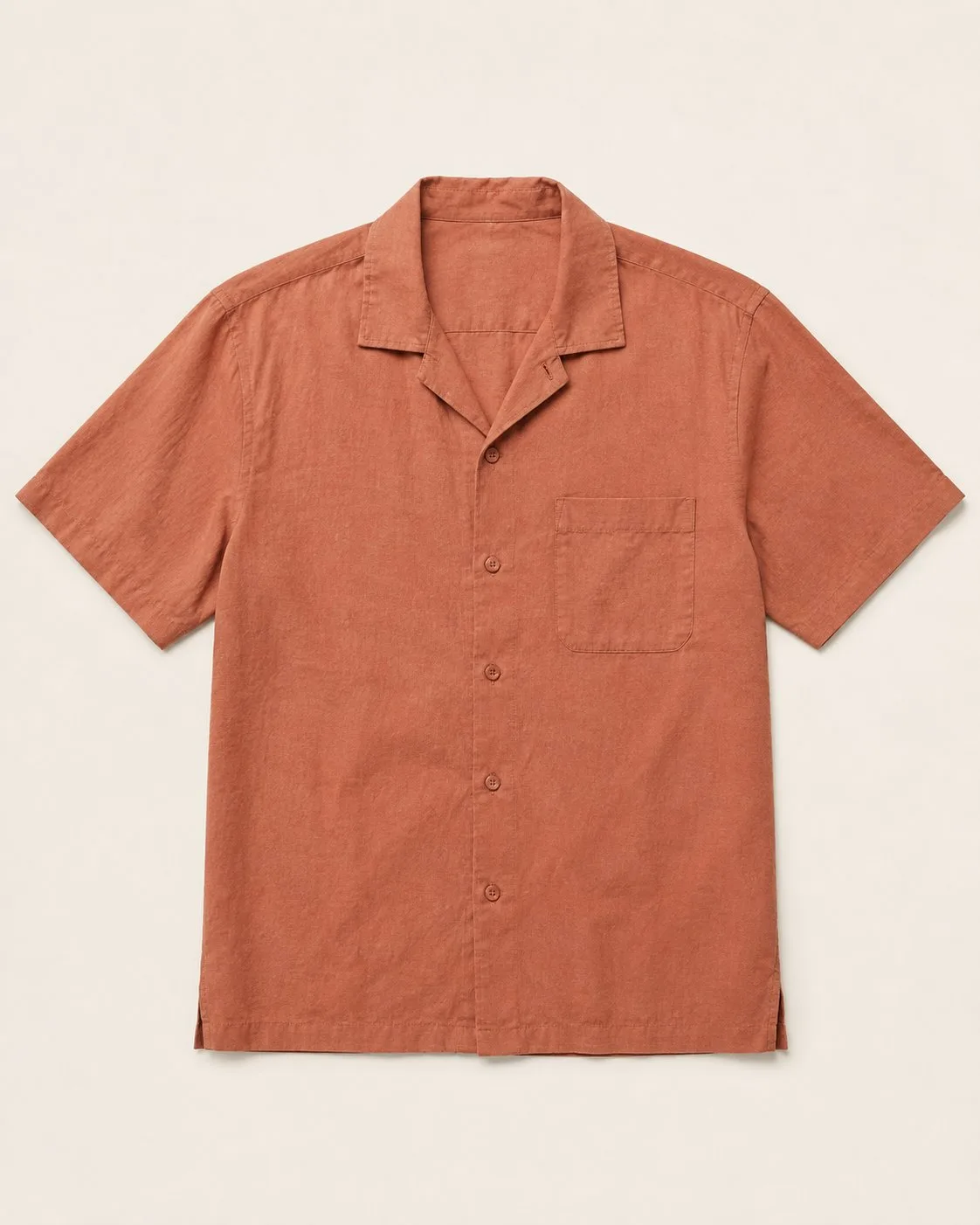
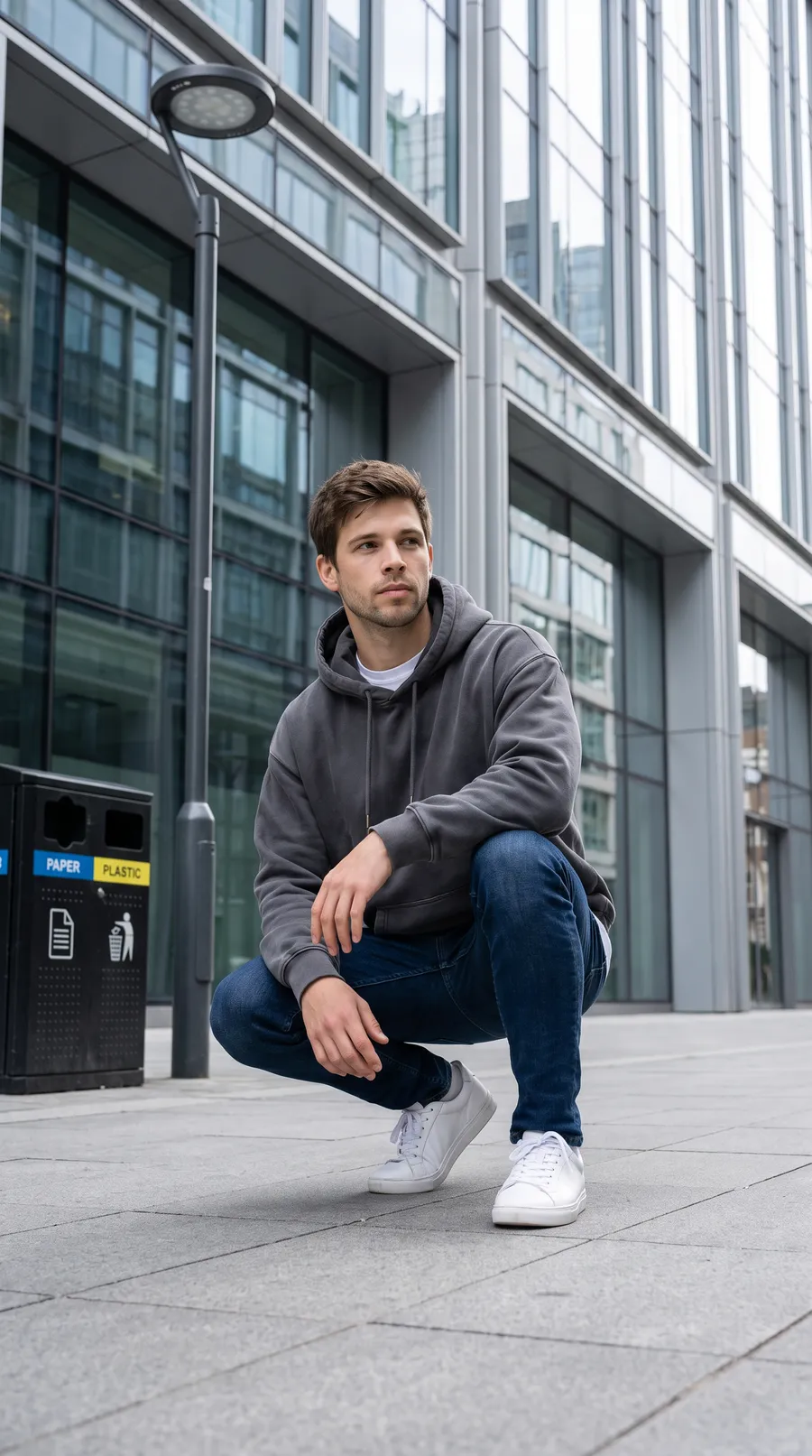
Each row starts from the product’s own catalog photo. Apparel and outerwear, shot on a model in the scene picked for it.
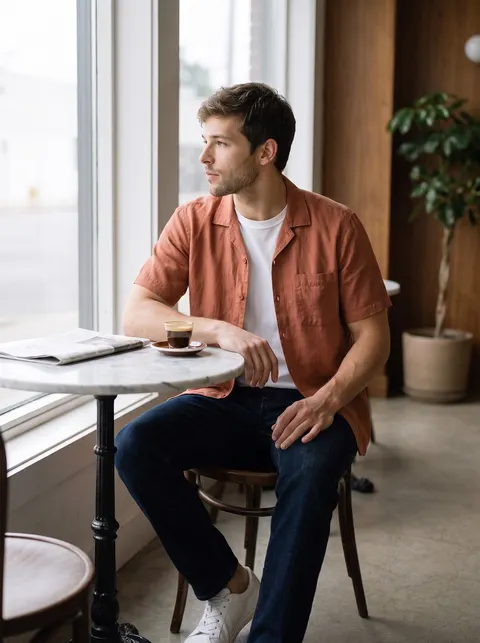
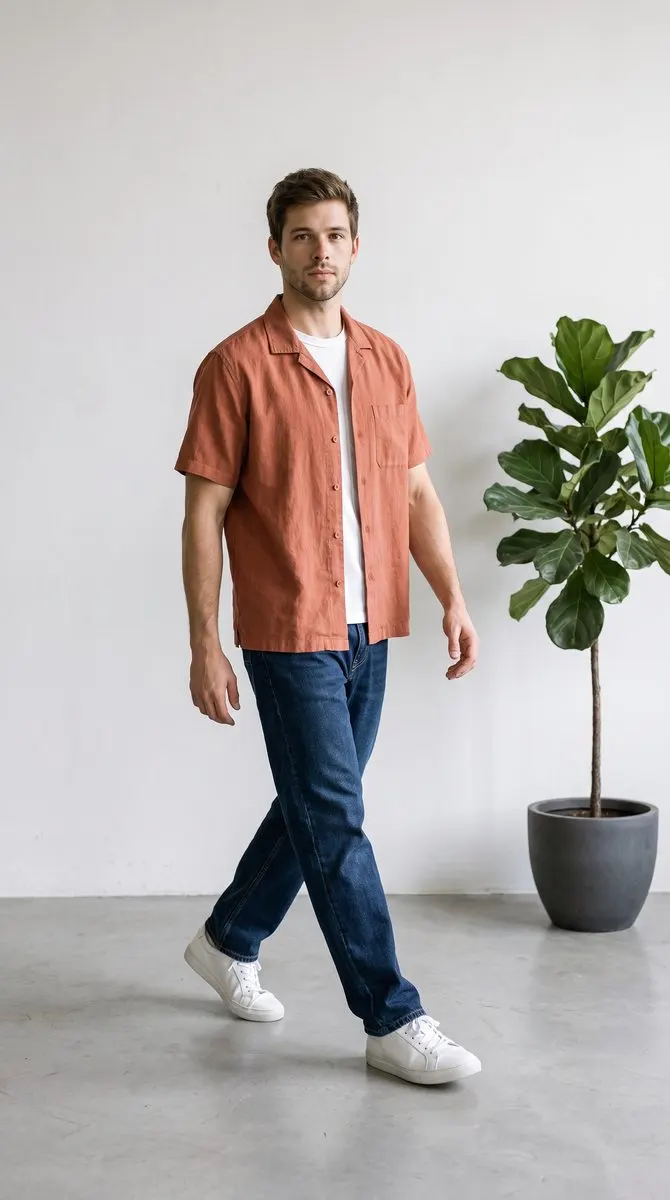
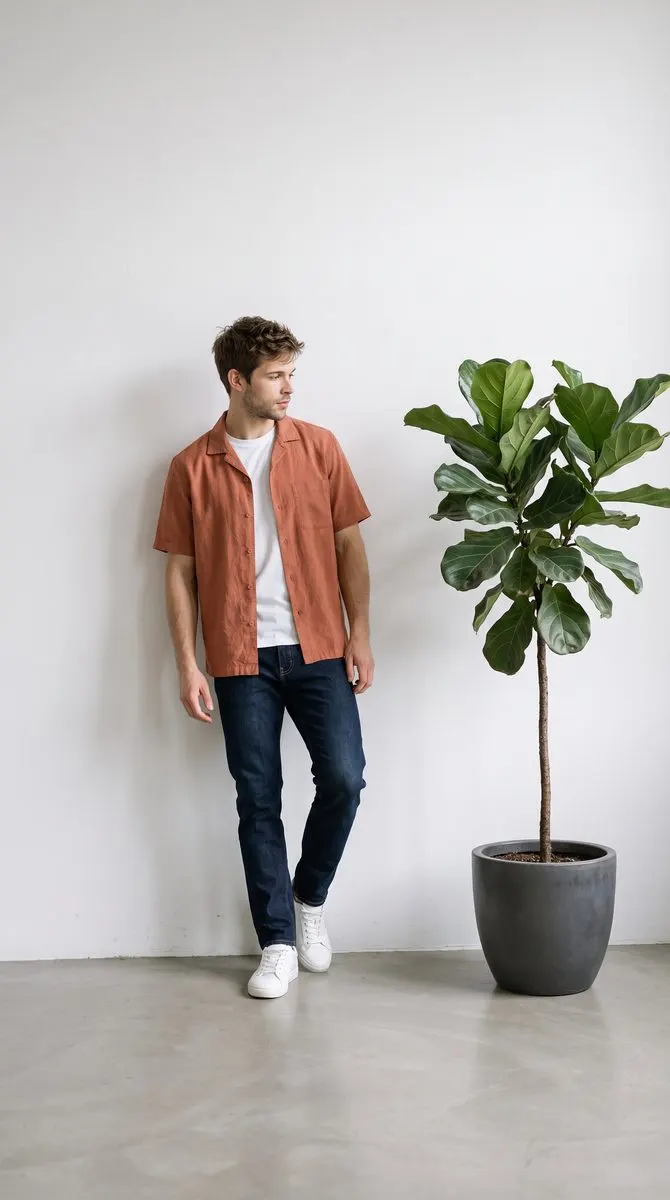
Camp-collar shirt
Studio frame from a Dambl shoot; lifestyle frames from the image model Dambl uses
- Before Catalog photo
- Lifestyle Rooftop at sunset
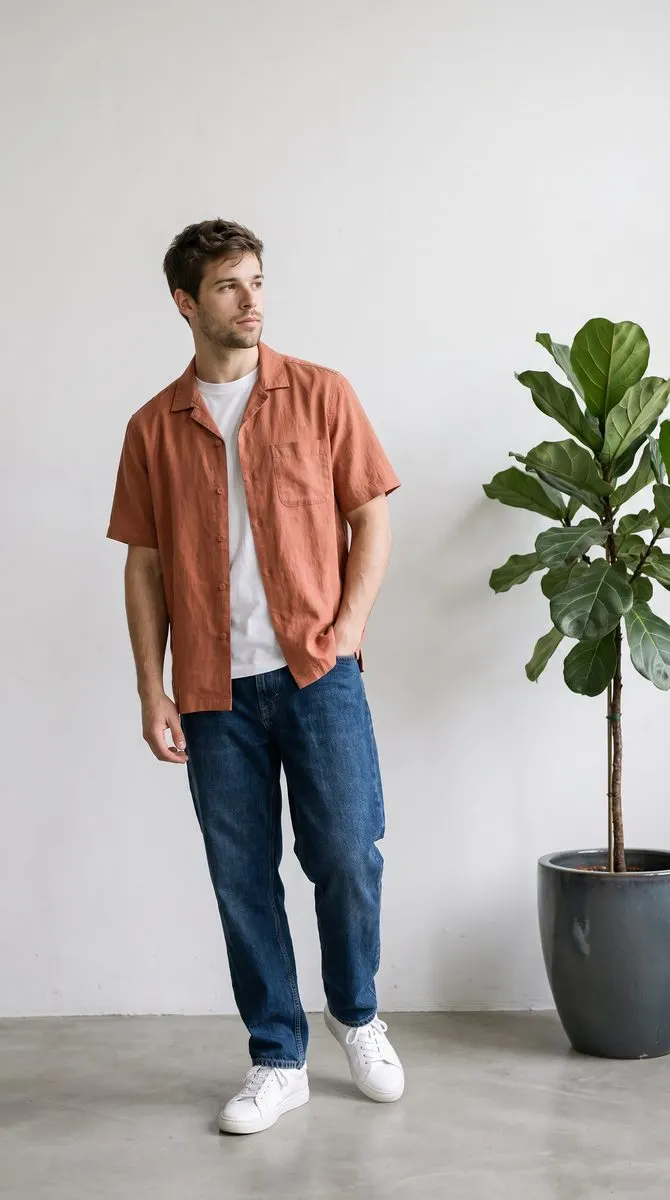 Studio White Studio
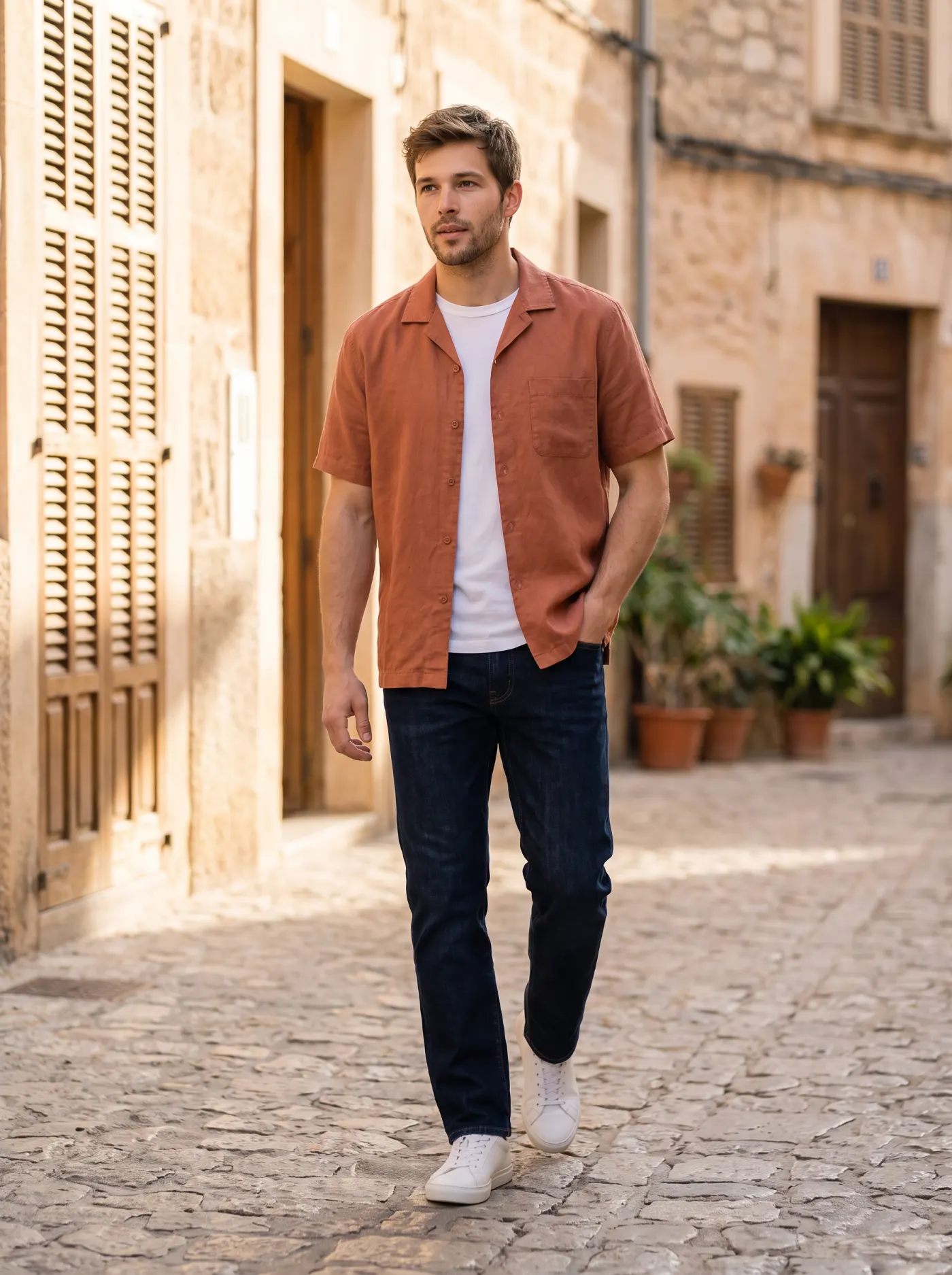 Lifestyle Old-town street
Oversized hoodie
One Dambl shoot
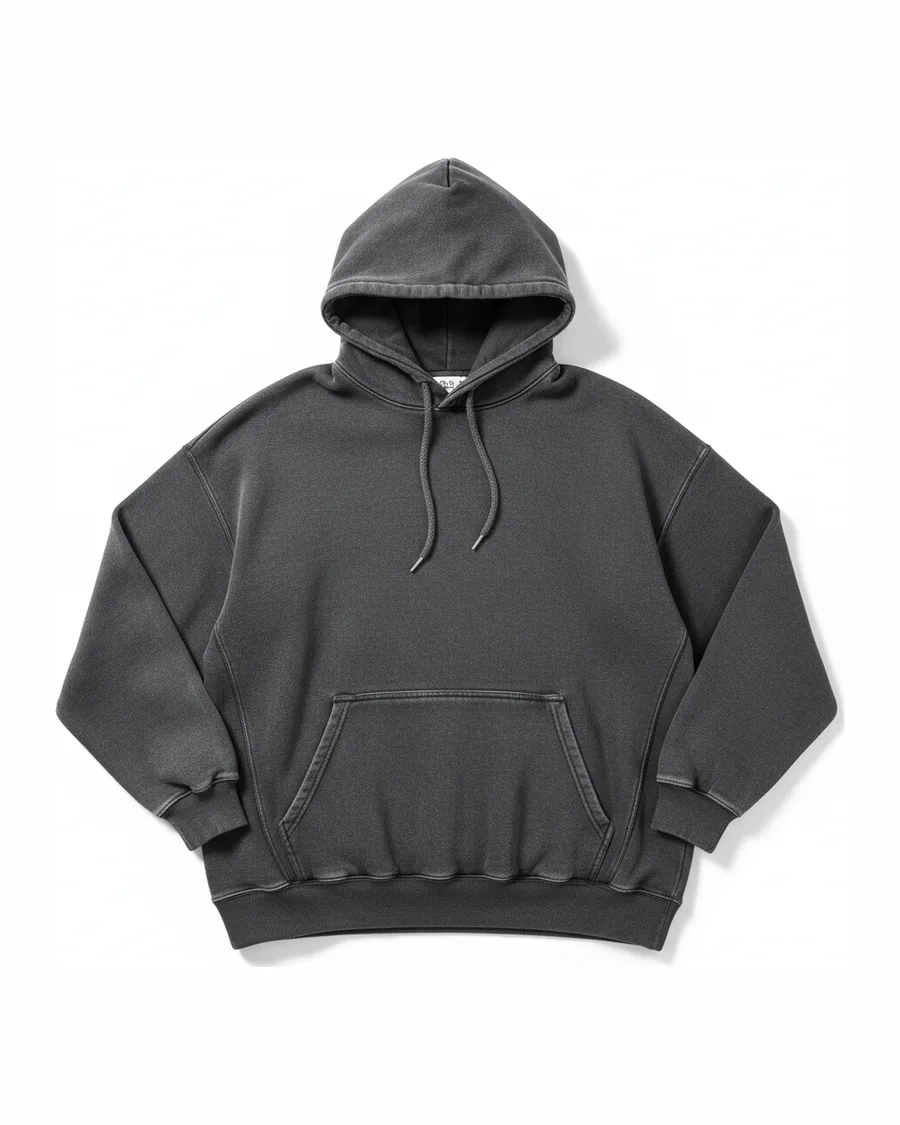 Before Catalog photo
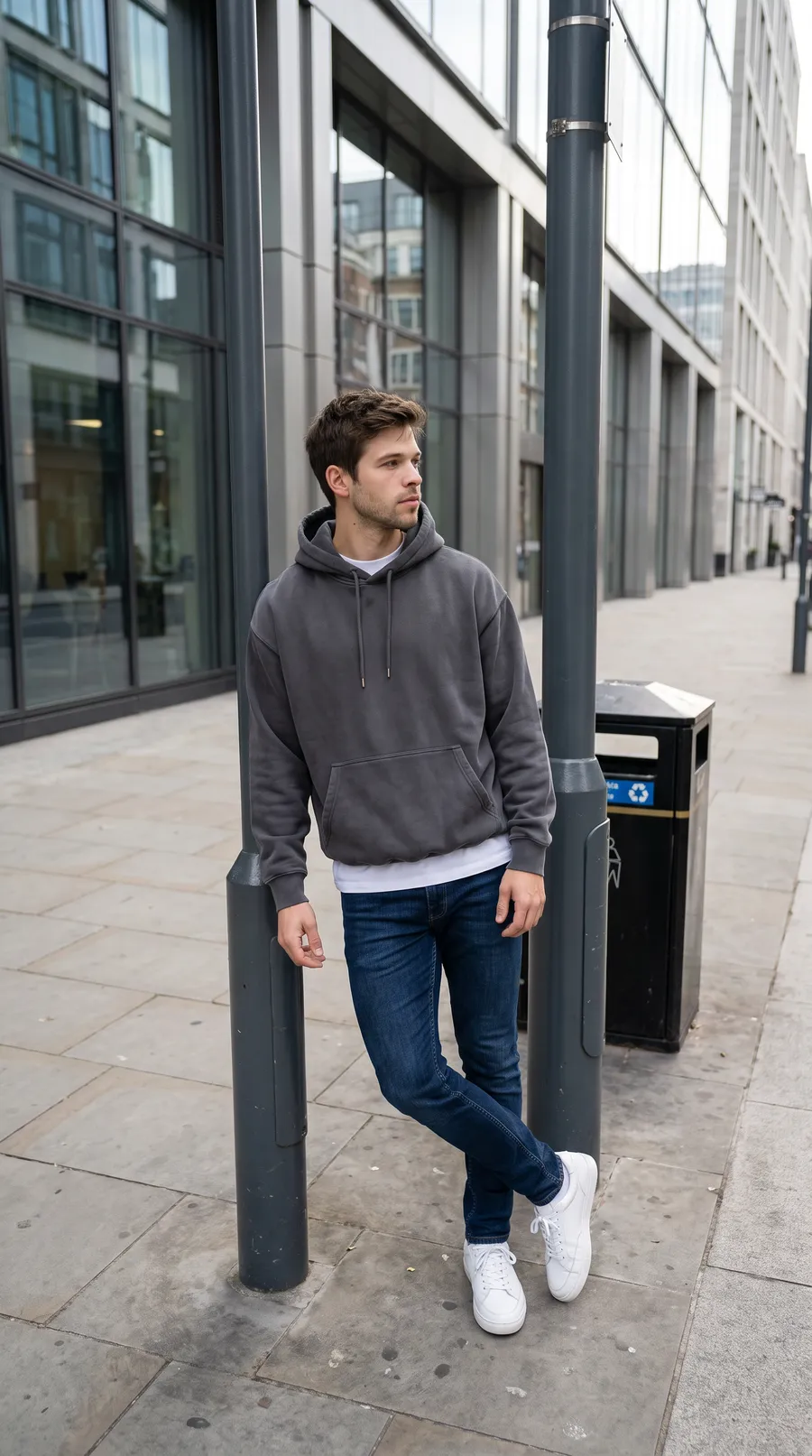 Lifestyle City street
- Lifestyle City street
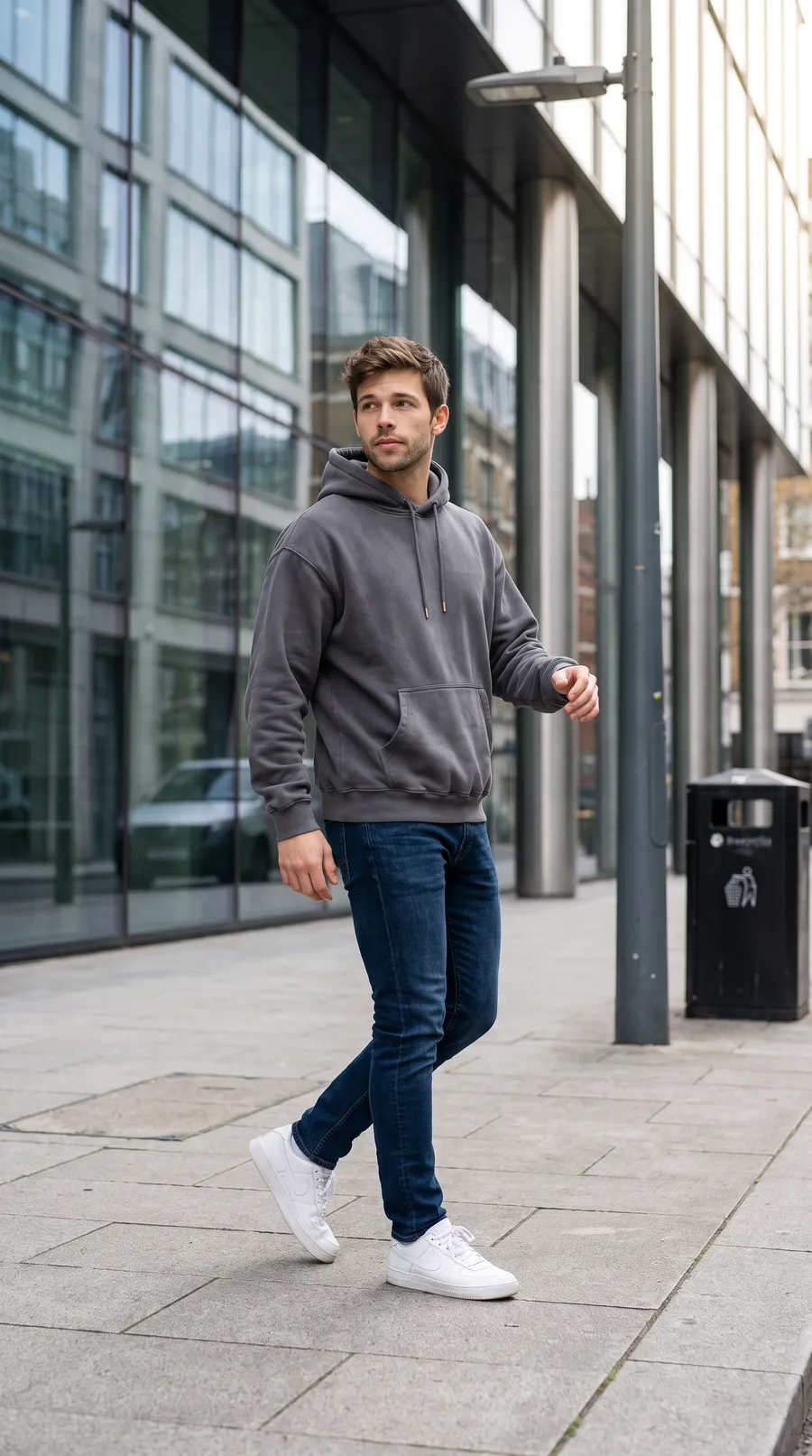 Lifestyle City street
Cropped jacket
One Dambl shoot
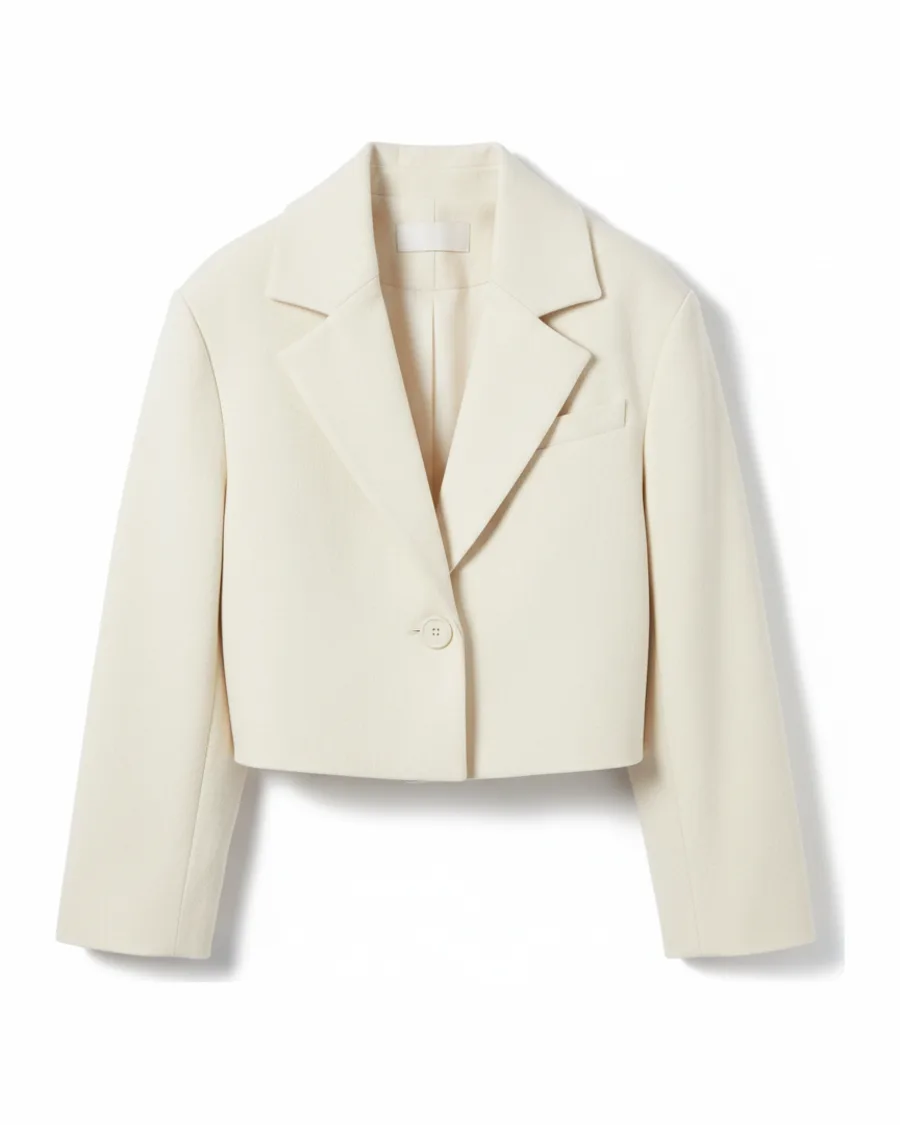 Before Catalog photo
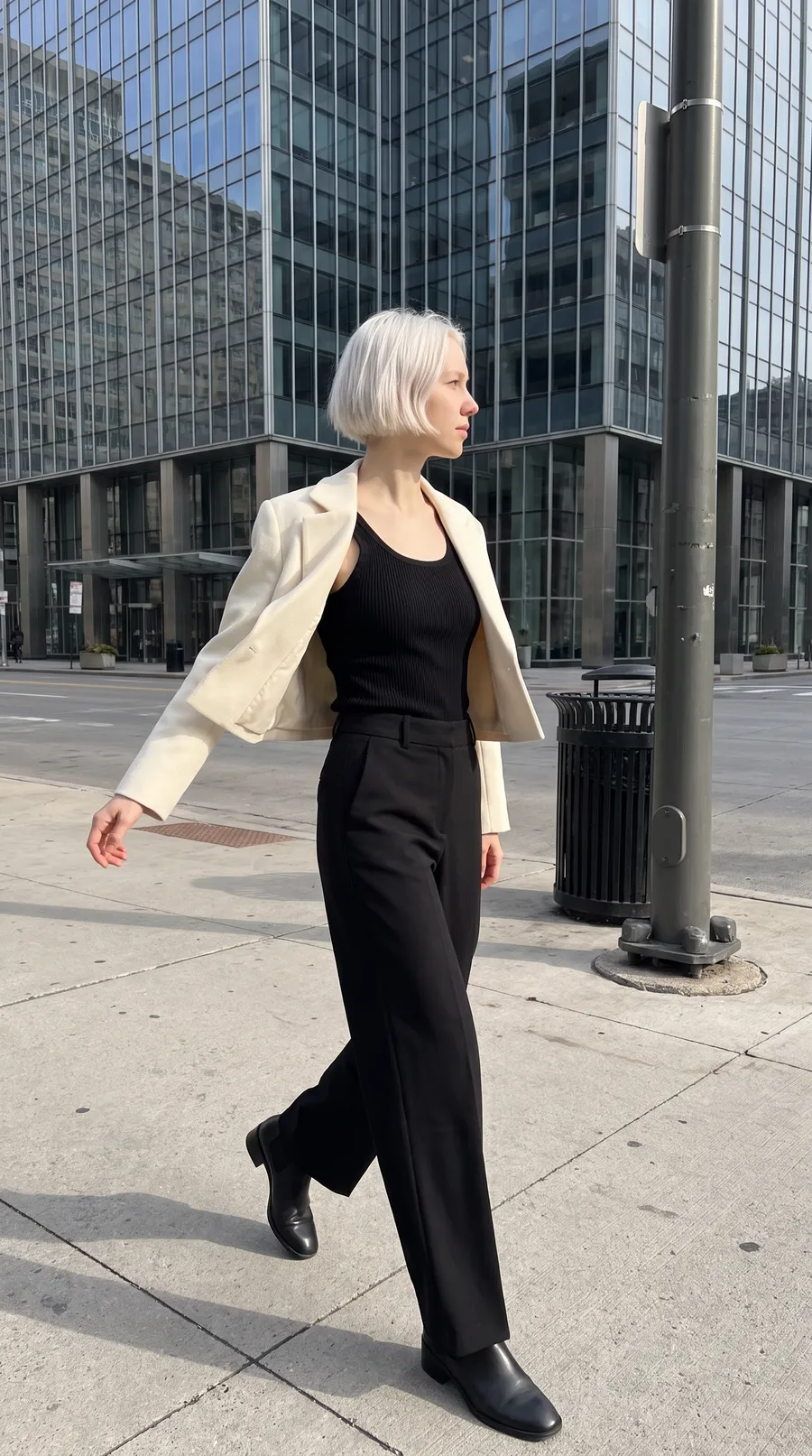 Lifestyle City street
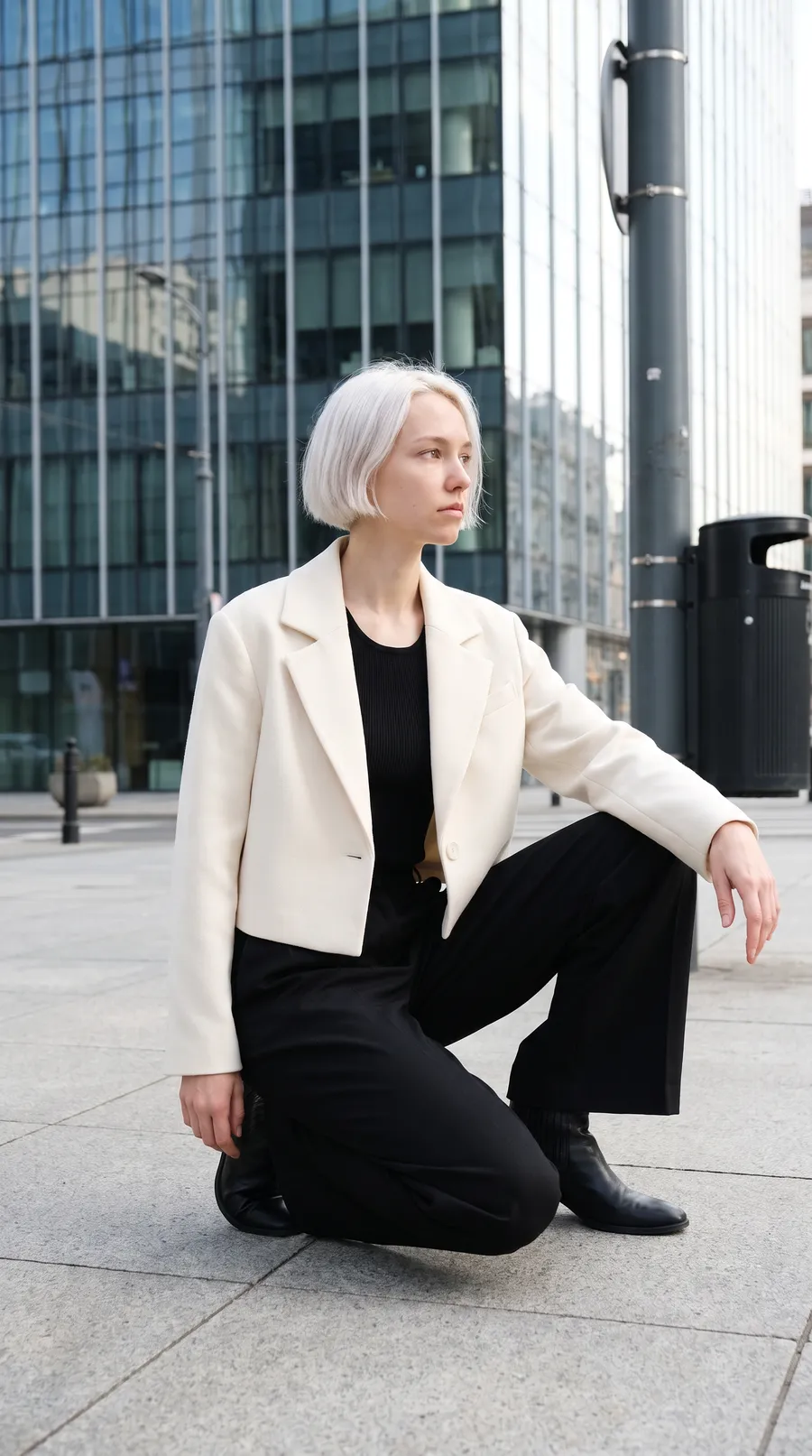 Lifestyle City plaza
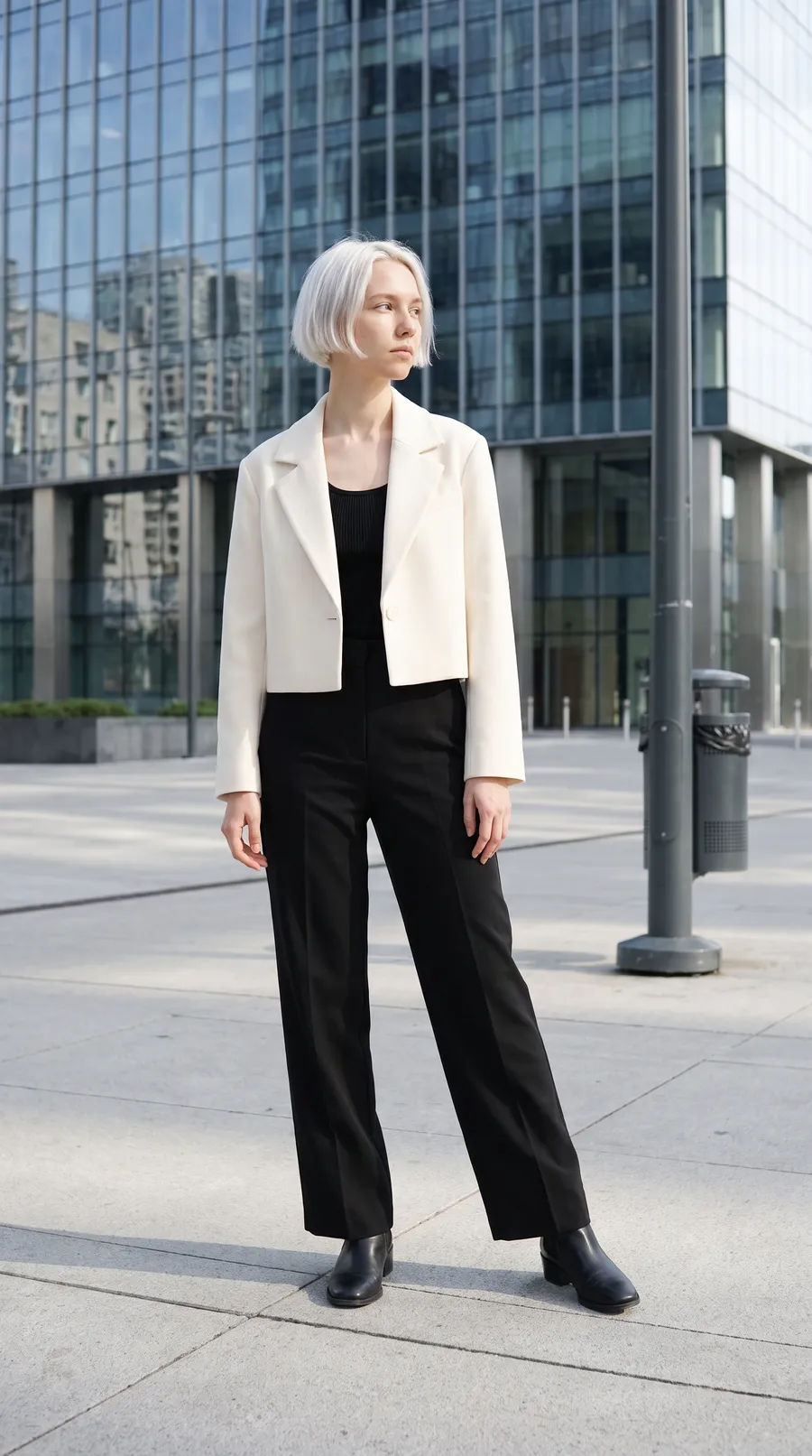 Lifestyle Glass tower
Boxy T-shirt
One Dambl shoot
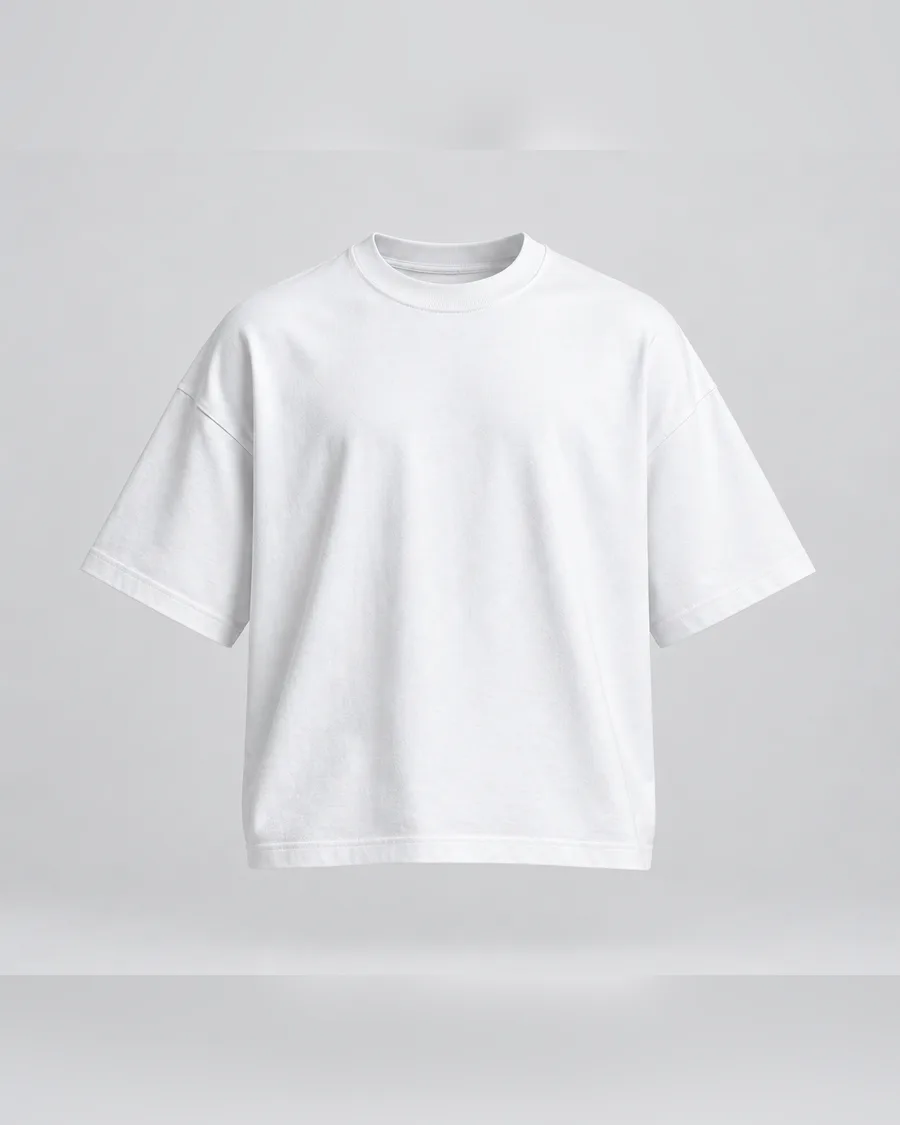 Before Catalog photo
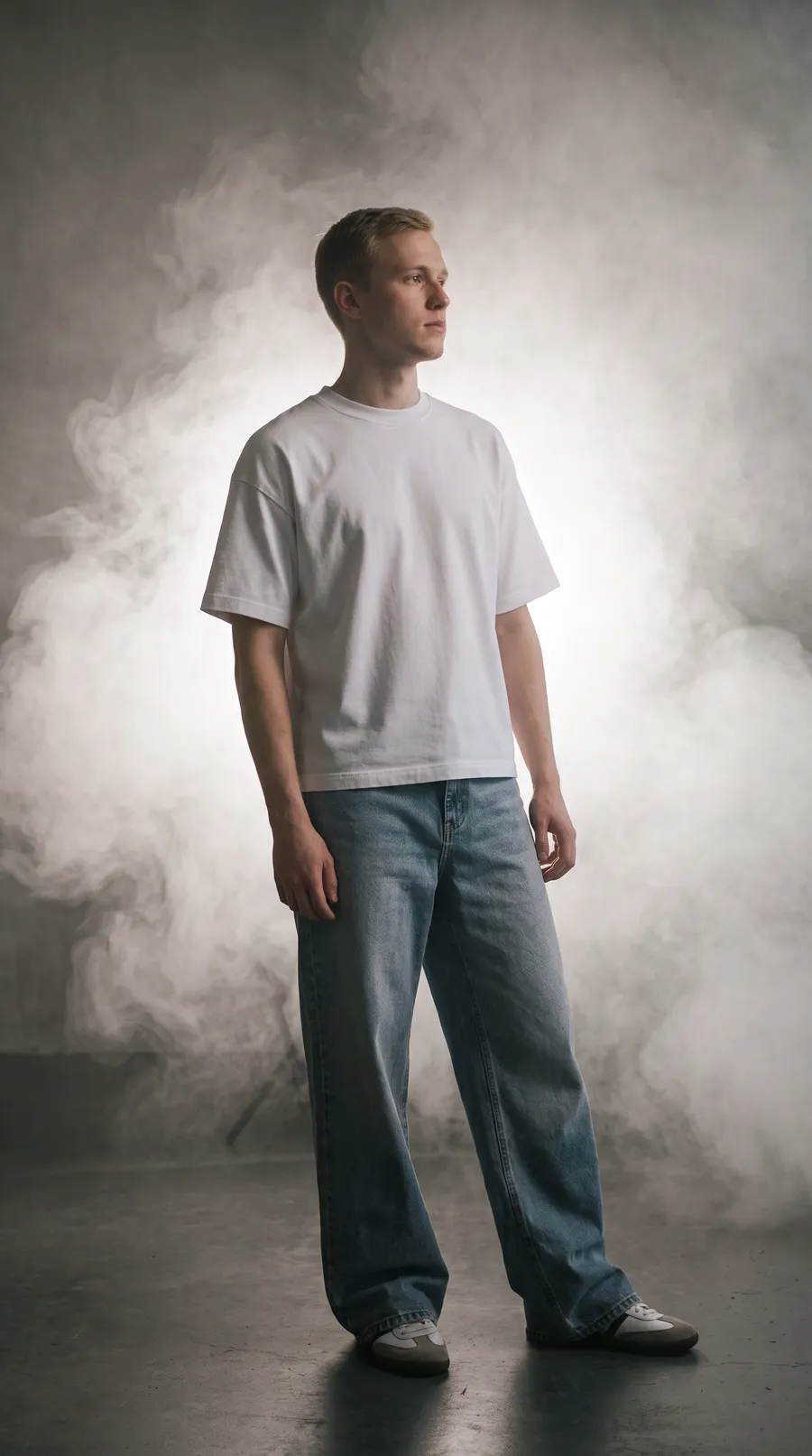 Studio Smoke & Haze
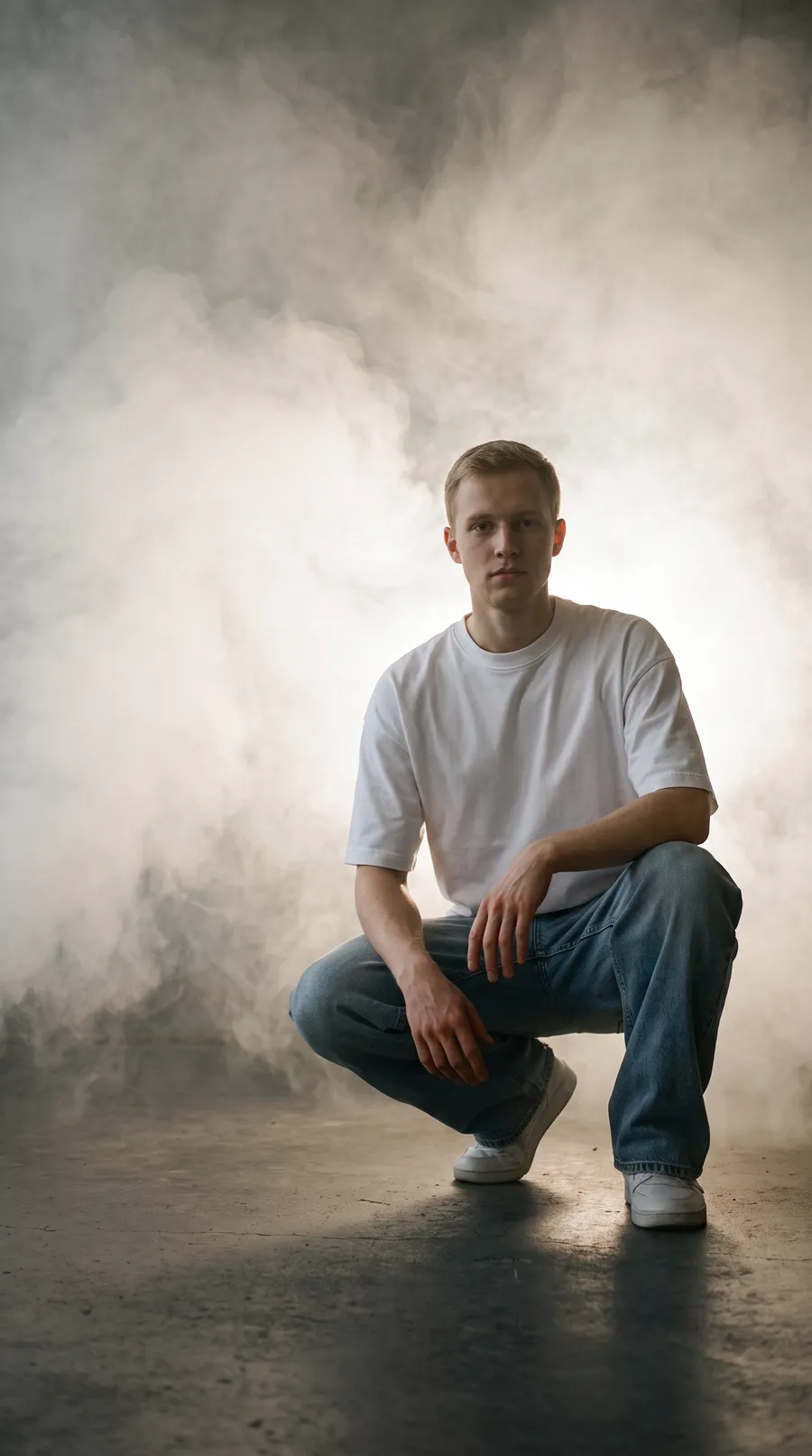 Studio Smoke & Haze
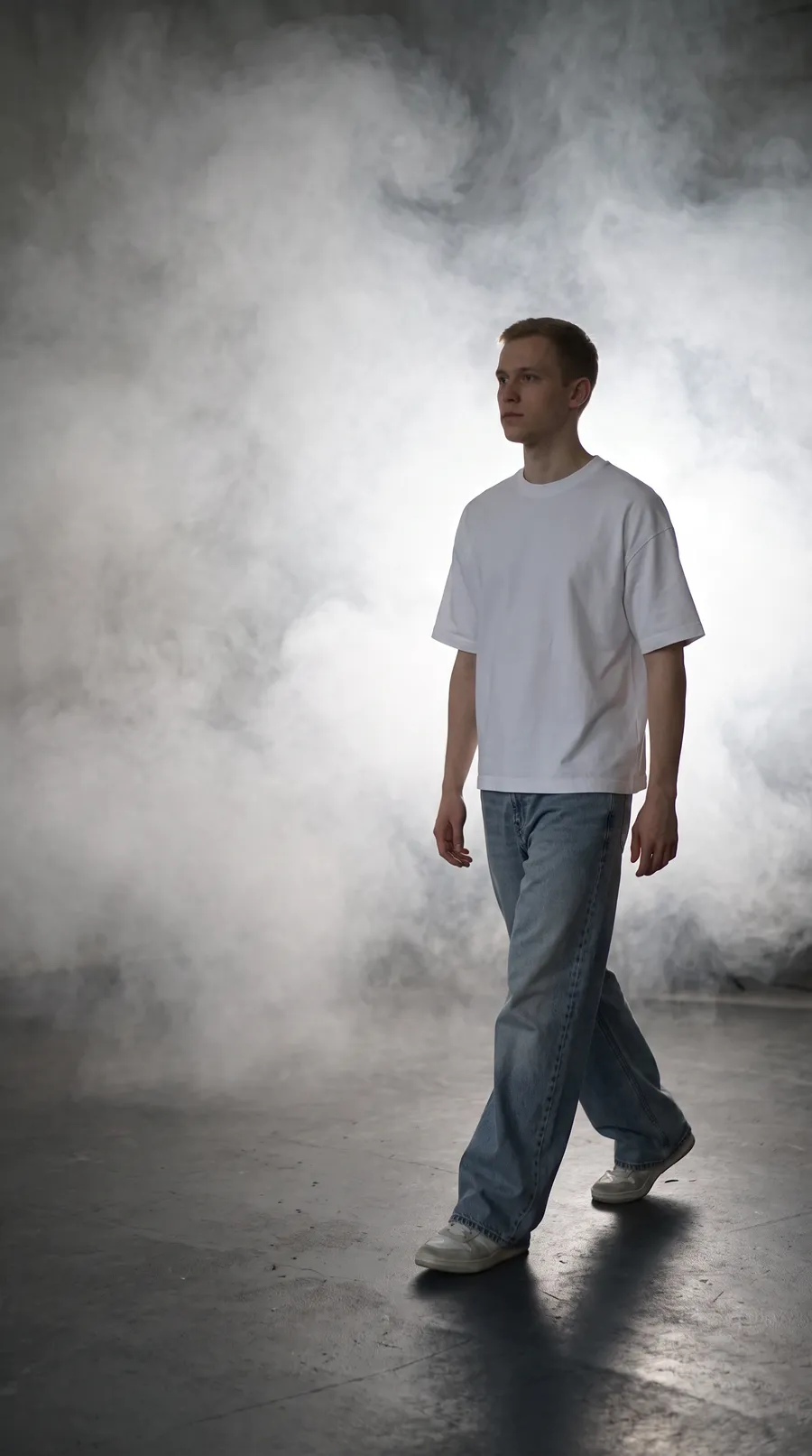 Studio Smoke & Haze
A shoot is three steps, inside your Shopify admin.
Below is the real app on a demo store. Click through a shoot the way a merchant does: nothing is charged and nothing is sent anywhere.
- Open a productDambl lists your catalog with the photos already on each product. The supplier's flat photo is enough to start.
- Pick a Scene and a Model, press ShootThe button shows the count and the credits before you press it. Each photo drops into the grid when it is ready.
- Push the ones you likeOpen a photo full size and push it to the product. The photos already on it stay.
Step 2 of 3: Pick a Scene and a Model, press Shoot The button shows the count and the credits before you press it. Each photo drops into the grid when it is ready.
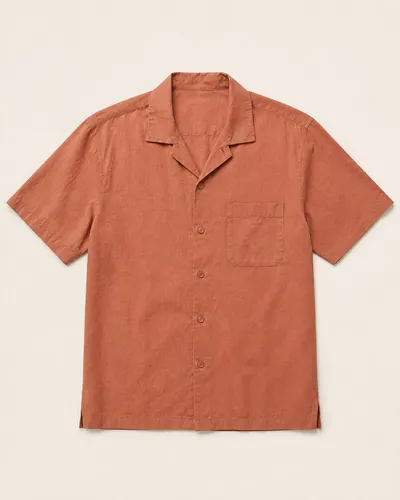
This is Dambl’s real Shoot screen with a demo store. A demo shoot plays back one real White Studio shoot of this shirt, whatever Scene, Model or Frame you pick, and nothing is charged or sent to Shopify.
What you set on each shoot
- Scene
- 27 scenes, depending on plan: White Studio / Dark Studio / Fashion Editorial / Warm Tones
- Model
- 12 to choose from, plus the models you make
- How many shots
- 1 to 12, depending on plan
- Frame
- 1:1 / 4:5 / 3:4 / 16:9 / 9:16, depending on plan
- Size
- 2K / 4K, depending on plan
- Prompt
- free text, or left empty
Photos you can put on a live listing.
Directed like a real shoot
Before each photo is made, Dambl writes it a brief for the light, the pose, the setting and the framing, based on your product. Every take is made on its own, so poses and framing change from frame to frame the way they do on set.
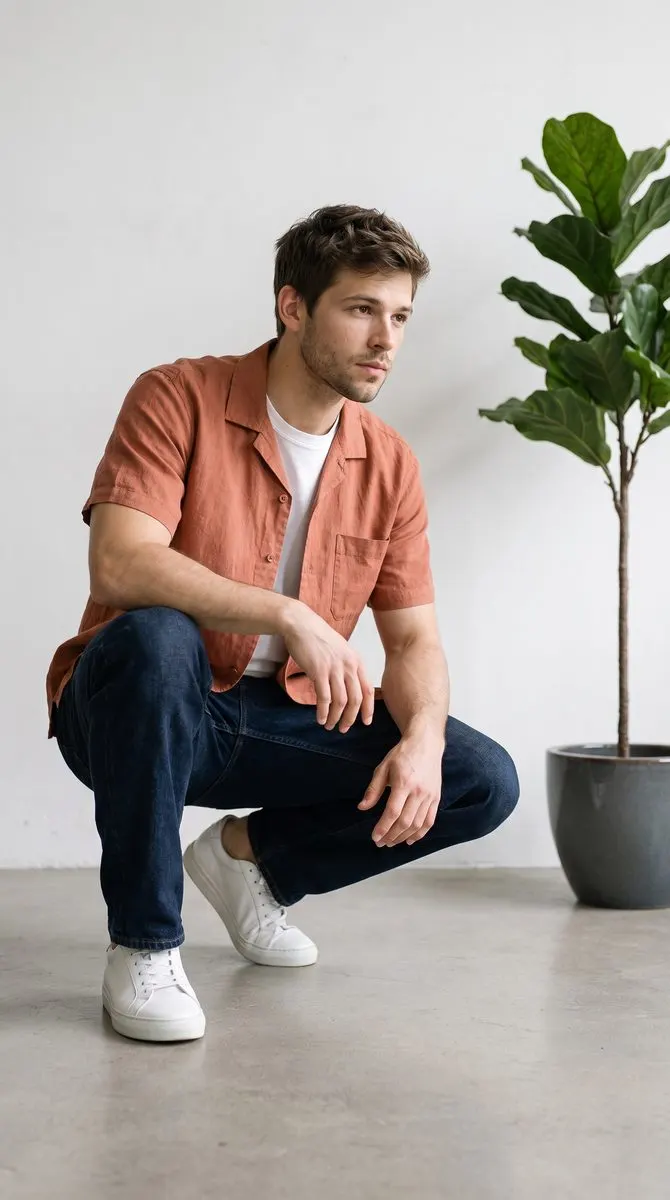
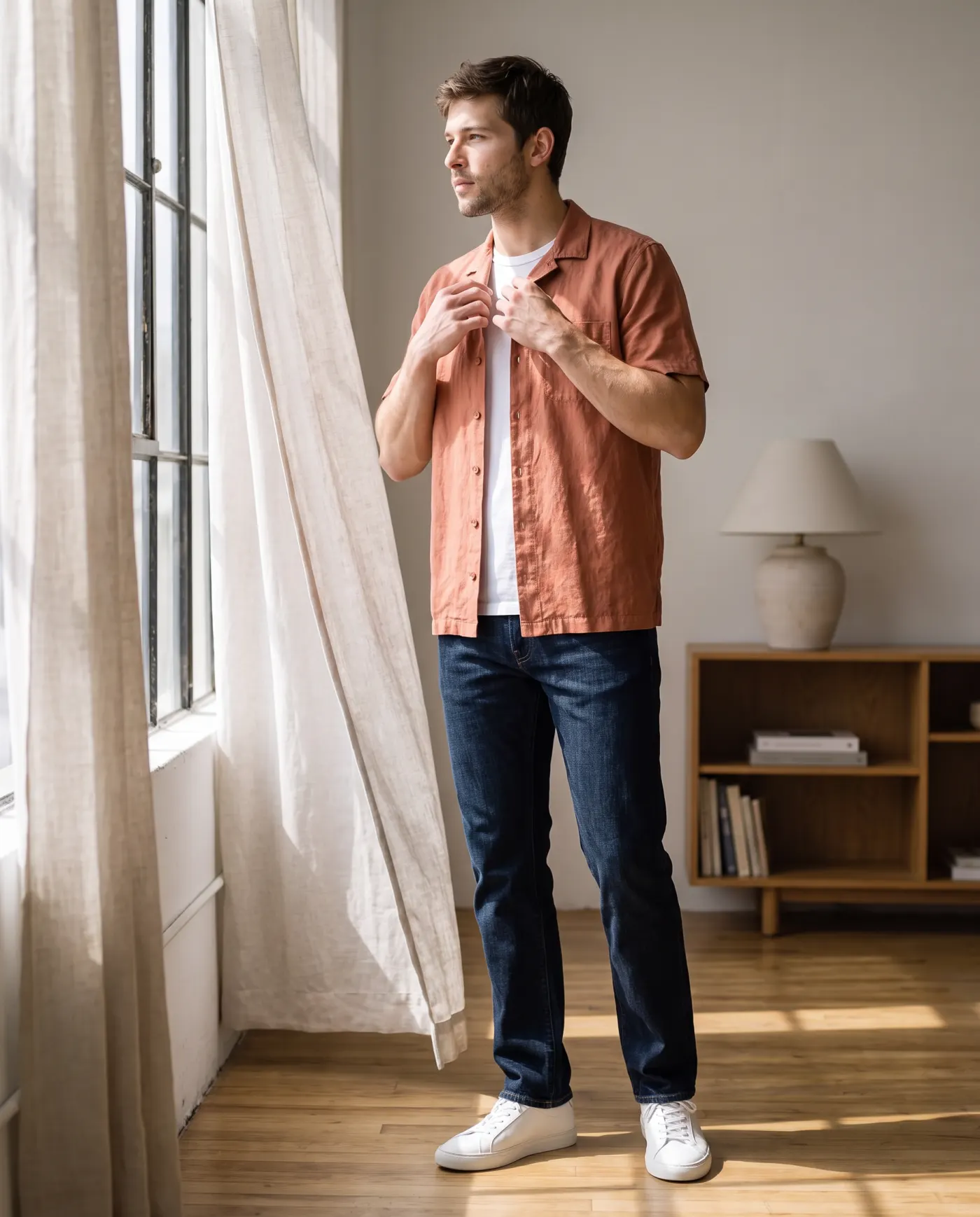
The same model across your catalog
Pick one of Dambl’s models, or make your own once, then choose them on every shoot. Your products read as one campaign instead of a stack of supplier photos.
Still thereAdded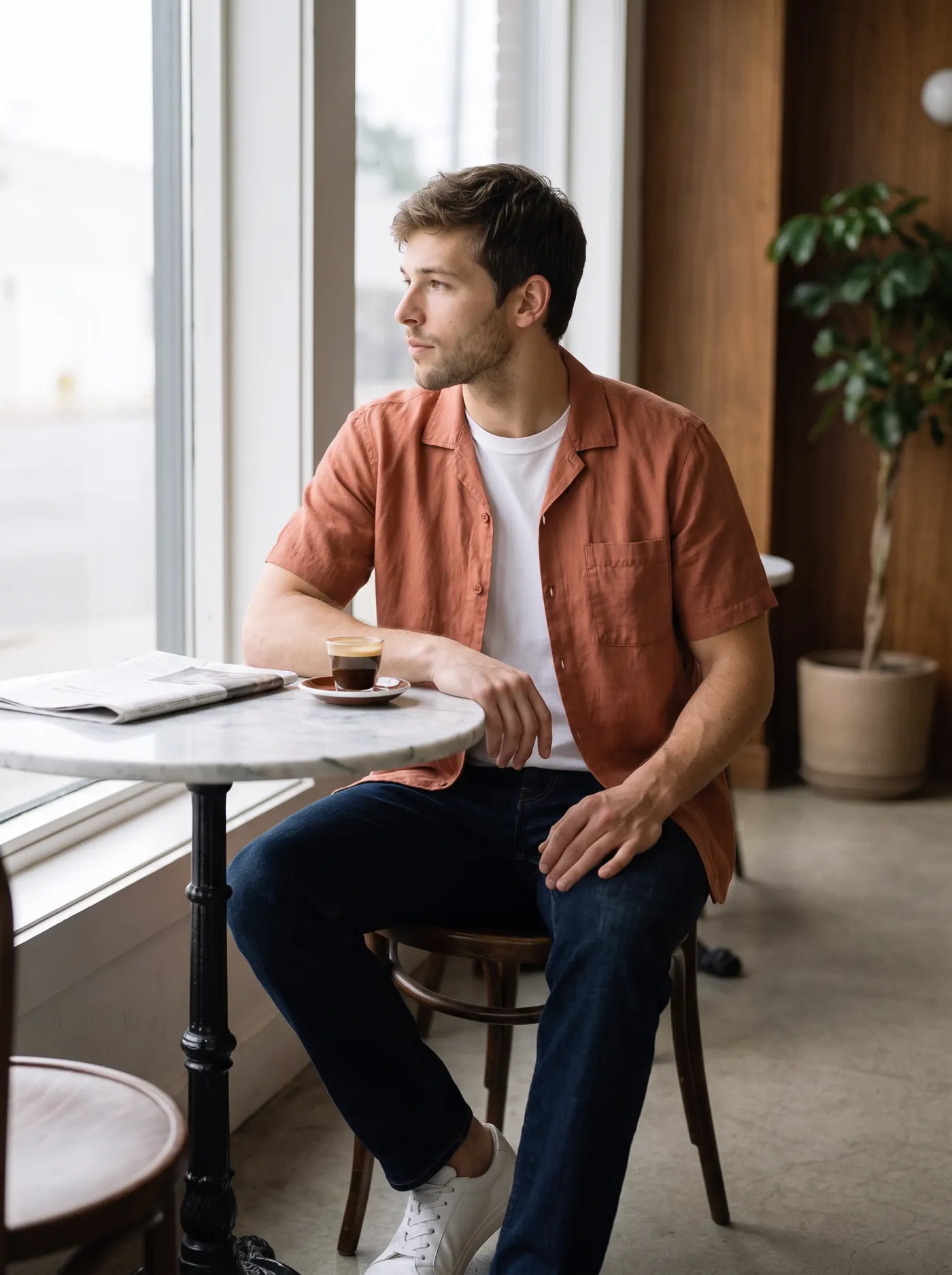 Added
AddedAdds photos. Never replaces them.
Push to store adds the photo to the product’s media in Shopify. Your supplier photo and everything else on the product stay where they are, and nothing reaches the store until you press it.
Start free. Pay when you need more.
Each photograph costs 2 credits at 2K, 3 at 4K. Paid plans are billed through Shopify, on your Shopify invoice.
Free
Freeno card, no subscription
9 photographs at 2K, free
Try it on your own products. No subscription, no card.
- 20 credits on install
- 3 products, 3 photographs each, at 2K
- 1 saved model
- No saved looks
- 8 scenes
- Square frame only
- No location photos of your own
- Alt text from the product title
- 1 shoot at once
- Connect your AI: browse only
Starter
$29a month
or $24.17 a month, billed $290 a year
About 50 photographs a month at 2K
A small catalog kept current at 2K.
- 100 credits every 30 days
- 2K only
- Up to 4 shots per shoot
- 1 saved model
- 1 saved look
- 19 scenes
- 3 frames
- 1 location photo of your own per shoot
- Alt text written from each photo
- 2 shoots at once
- Connect your AI: browse only
ProRecommended
$69a month
or $57.50 a month, billed $690 a year
About 150 photographs a month at 2K, or 100 at 4K
New products every week, 4K, and an assistant that can run shoots.
- 300 credits every 30 days
- 2K and 4K
- Up to 8 shots per shoot
- 5 saved models
- 10 saved looks
- All 27 scenes
- All 5 frames (Story and banner included)
- Up to 4 location photos of your own per shoot
- Alt text written from each photo
- 4 shoots at once
- Connect your AI to run shoots
Ultra
$149a month
or $124.17 a month, billed $1,490 a year
About 350 photographs a month at 2K, or 233 at 4K
A large catalog, or several launches a month.
- 700 credits every 30 days
- 2K and 4K
- Up to 12 shots per shoot
- Unlimited saved models
- Unlimited saved looks
- All 27 scenes
- All 5 frames (Story and banner included)
- Up to 4 location photos of your own per shoot
- Alt text written from each photo
- 8 shoots at once
- Connect your AI to run shoots
Every plan starts with a free install; you pick a paid plan inside the app. Credits, refunds and plan changes are set out in Billing and refunds.
Questions before you install
Something else? Write to support@dambl.app, or click through the demo first.
Will the photos look AI-generated?
Dambl directs each photograph the way a shoot would. Before a photograph is made, Dambl writes it a brief for the light, the pose, the setting and the framing, based on your product, and each take is made on its own. You see every photograph full size first, and nothing reaches your store until you push it.
Does it replace my product photos?
No. Push to store adds the photographs you choose to the product's media in Shopify. The photos already on the product stay where they are.
Will another store selling the same product get the same photos?
No. Each photograph is made new for your shoot, and the terms assign it to you.
What do I need to start?
A product in your Shopify store with at least one photo. The supplier's flat photo is enough. Add a photo of the back if you want shots from behind.
What can I shoot?
Products on a person, in hands or on their own. Model offers 12 choices, including No model and Hands only, plus the models you make. Scene offers 27 places to shoot, depending on plan.
Where are the photographs made?
On Google Cloud Vertex AI, with Google's Gemini image models. Your product photos and each brief are sent there to make the photograph, and our contract with the provider prohibits training on your content.
Billing and plans
How am I billed?
Through Shopify Billing, on your normal Shopify invoice. We never see card details. A monthly plan is charged every 30 days. An annual plan is charged once a year at the price of 10 months (2 months free), and its credits arrive month by month.
Can I change plan?
Yes. A move to a plan that costs more a month applies as soon as you approve it in Shopify, and Shopify prorates the charge. A move to one that costs less a month starts when your current billing period ends, and you keep your current plan until then. Annual billing counts by its price a month, so monthly to annual on the same plan also starts when the period ends, and an annual plan moving to a cheaper plan or to monthly waits until the paid year ends. Your balance is kept up to the limit of the larger of the two plans. Moving up part-way through a month tops that month's credits up to the new plan's amount, counting what is left of the month; the full amount arrives when the new plan renews.
What happens if I cancel?
Cancel in Shopify billing. The credits already in your balance stay, to spend within the free plan's limits. If you subscribe again later, the balance is kept up to the limit of the plan you last held. Cancelling an annual plan keeps it, and its monthly credits, until the paid year ends; uninstalling ends it at once, and buying another plan in that time starts the new one at once and ends the remaining months.
Can I try Dambl before paying?
Yes, on the free plan, which asks for no card at all: 20 credits on install, for 3 products, 3 photographs each, at 2K, with 1 saved model. Paid plans have no free trial; each is billed from the day you approve it.
Do prices include tax?
No. Shopify applies tax according to your store's location.
Do the photographs belong to me?
Yes. Clause 1.5 of the terms assigns them to you once their credits are paid, and we do not licence them to anyone else.
How do credits work?
- A photograph is priced by size, not a flat credit
- 2 credits at 2K, 3 at 4K. Six photographs of the same size cost six times as much, whether they take one attempt or several.
- Reserved, then spent
- A shoot reserves the credits for the photographs it asks for when it starts, and spends them as each photograph is delivered.
- A failed shoot costs nothing
- If nothing comes back, every reserved credit returns to your balance.
- A partial shoot charges what arrived
- Four of six delivered at 2K means 8 credits spent and 4 released.
- One more photograph like this one is priced like any other
- 2 credits at 2K, 3 at 4K — Shoot more like this makes one photograph, at the same price as the photograph it was made from.
- Unused credits roll over at renewal
- Up to one month's allotment carries into the next period; anything above that lapses when the new credits are granted.
- The free plan needs no card
- 20 credits on install, for 3 products, 3 photographs each, at 2K, with 1 saved model, without a subscription.